Free · macOS
⌨️ A shortcut brings the server you want to the front
Windows (RDP) and macOS Screen Sharing, Linux, hypervisor consoles and BMCs (VNC), all in one window.
No window per session scattered across your desktop. Server list, sessions and settings live in a single window.
Features
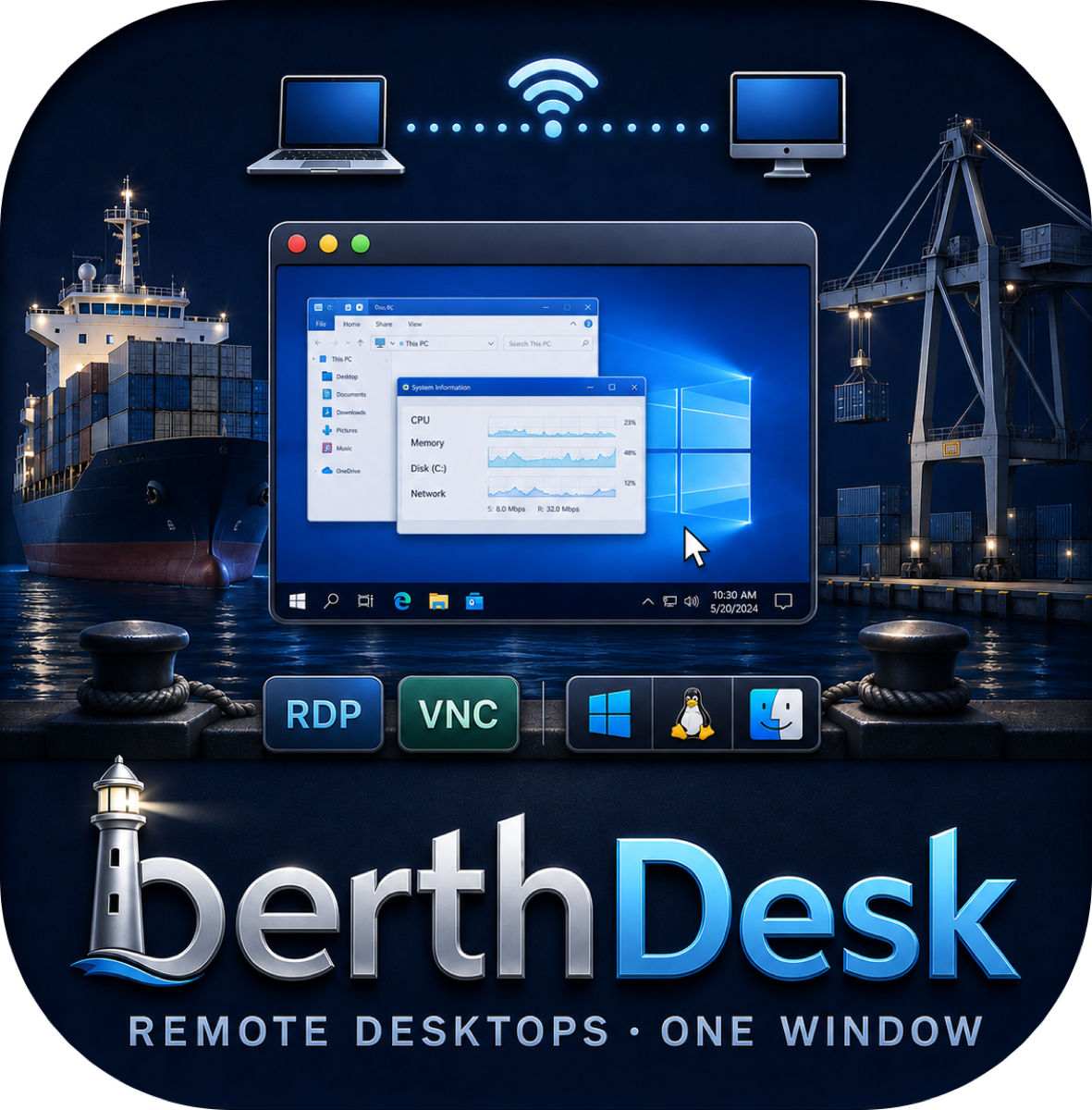
RDP for Windows; VNC for Macs, Linux, virtualization consoles and server management boards. Wherever you connect, it's the same window and the same shortcuts.
Connect to Windows PCs and servers over RDP. NLA authentication, domain accounts, dynamic resolution that follows your window (DisplayControl), and a two-way clipboard.
macOS Screen Sharing (Apple account authentication), Linux desktops, hypervisor consoles such as Proxmox and ESXi, and the KVM view of server BMCs (iDRAC, iLO, IPMI). Tight, ZRLE and Hextile encodings plus VeNCrypt (TLS).
The server list, open sessions and server settings share one window. Sessions line up in the left rail with color bands, and Focus mode leaves only the remote screen.
⌥Space summons BerthDesk from any app, ⌘1–⌘9 switch sessions, and ⌘K jumps to a server by name. Your hands never leave the keyboard.
Copy on the Mac and paste on the remote, or the other way round. Non-Latin text survives too — even on older Windows VNC servers that don't know the extended clipboard.
⌃ and ⌥ combinations go to the remote as Ctrl and Alt, the left ⌘ acts as the Windows key, and the right ⌥ toggles the input language. App shortcuts always include ⌘, so nothing collides.
The TLS fingerprint of a new VNC server is remembered; if it changes, BerthDesk stops before sending your password (like SSH known_hosts). Passwords live only in the Keychain. Production servers can be opened view-only.
Korean, English, Japanese, Chinese, Arabic, Hindi and more — 20 languages in all. Pick the language inside the app.
There is no telemetry of any kind in the app. Nobody counts where you connect or how much you use it.
Why BerthDesk
Runs on macOS 14 (Sonoma) or later. The offline installer checks for updates automatically after installation.
Offline installer (DMG) User Guide
Version history
User Guide
Version history