
Free macOS Utility
Send a folder to a Windows user and it arrives full of hidden .DS_Store files, with iPhone photos and videos that won't open and names Windows flatly refuses to save. Accented letters come apart on the way, too — résumé turns into re ́sume ́ — and search, uploads and Windows stop treating it as the same name. Ten tools clear up these small Mac-to-Windows problems at once.
Free Download See the Tools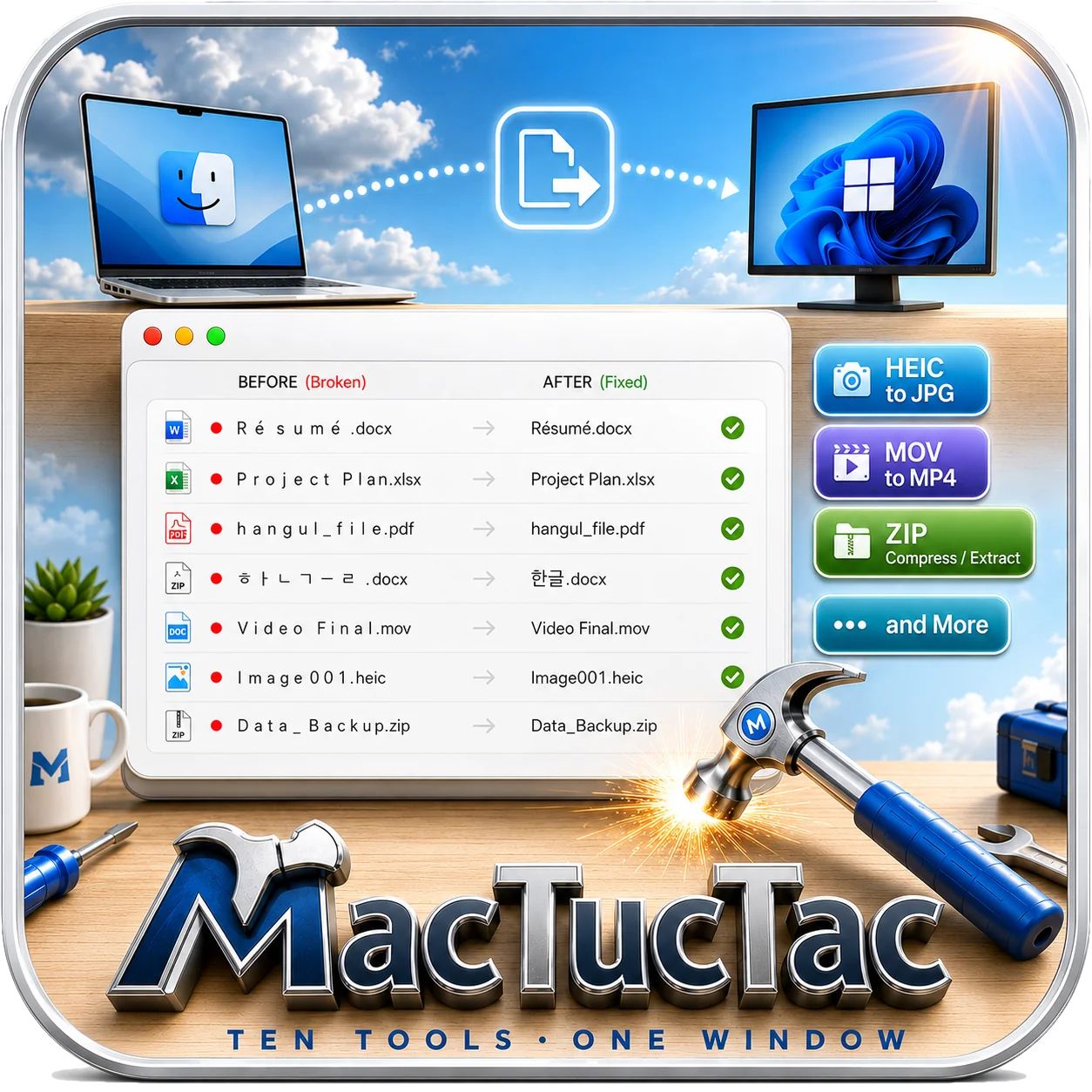
Tools
Just drag your files in. Anything risky goes to the Trash instead of being deleted, so you can always undo it.
Just drop your files in: MacTucTac shows you what's wrong and why, then fixes only what you approve — all in one pass. Undo Last Fix and Pack into ZIP included.
Fixes the NFD problem that makes accented letters and Korean 한글 scatter into pieces on Windows (ㅈㅏㅁㅗ). Includes a preview of exactly how the name will look over there.
Create and open ZIP, 7z and tar archives without mangled filenames. Password-protected ZIP and 7z included, plus hidden file lists (header encryption).
Finds the three kinds of hidden files Mac leaves behind and sends them to the Trash. Hand over a USB drive that looks clean.
Finds names containing characters and reserved words Windows won't accept, and renames them safely in bulk.
Turn iPhone photos into JPG files that open anywhere. Capture data and orientation kept, originals untouched.
Convert MOV and HEVC videos that won't play on Windows to MP4 (H.264).
Automatically detects and fixes garbled subtitles and text files (including CP949) along with line-ending (LF/CRLF) mismatches.
Stop the screen from sleeping mid-download, and flip hidden Mac settings — the kind that used to need Terminal — with a checkbox.
Why MacTucTac
A safe app, fully notarized by Apple.
Download it, drag it into your Applications folder, done.